How to embed a YouTube channel on your website.
YouTube’s Share button embeds one video at a time, but you can embed a YouTube channel on your website with one line of HTML that always opens on your newest upload. Here are five ways to do it, and when each fits.
- Published
- Reading time
- 8 min read
On this page
The short answer
- YouTube’s Share button embeds one video or one playlist. Every channel also has a playlist of all its uploads, and embedding that shows the whole channel, newest video first.
- Its ID is your channel ID with the leading UC changed to UU. One line of HTML, no plugin and no API key.
- For a list of recent videos with titles and thumbnails, every channel has a free RSS feed of its latest 15 uploads.
- Use youtube-nocookie.com in any embed code, lazy-load the player, and show one player rather than several.
- For a styled gallery that matches your site and refreshes on its own, use the YouTube Data API or a widget built on it.
Can you embed a whole YouTube channel?
Yes. YouTube’s Share menu only offers code for one video or one playlist, but every channel has a built-in playlist of all its public uploads, newest first. Embed that playlist and the player always opens on your latest video, with the rest of the channel in its playlist menu. It takes no plugin and no API key.
Many guides to this question conclude that YouTube cannot do it and recommend a tool. That is true of the Share button and not of the player. There are five ways to put a channel on a page, and the right one depends on what visitors should see.
| Method | What visitors see | Updates itself | Cost |
|---|---|---|---|
| One video, from Share | That video | No | Free |
| The uploads playlist | One player, newest video first | Yes | Free, one line of HTML |
| The channel’s RSS feed | Your own list of the latest 15 | When your code reads it | Free, needs code or a widget |
| The YouTube Data API | Anything you build | Yes | Free quota, needs a developer |
| A widget | A thumbnail gallery in your site’s style | Yes | Free plans exist |
If you want one slot on a page that always shows your newest video, the uploads playlist is the answer, and the next section is all you need. If you want a grid of recent videos, skip to the RSS feed or the widget.
How do you embed a channel’s latest videos without a plugin?
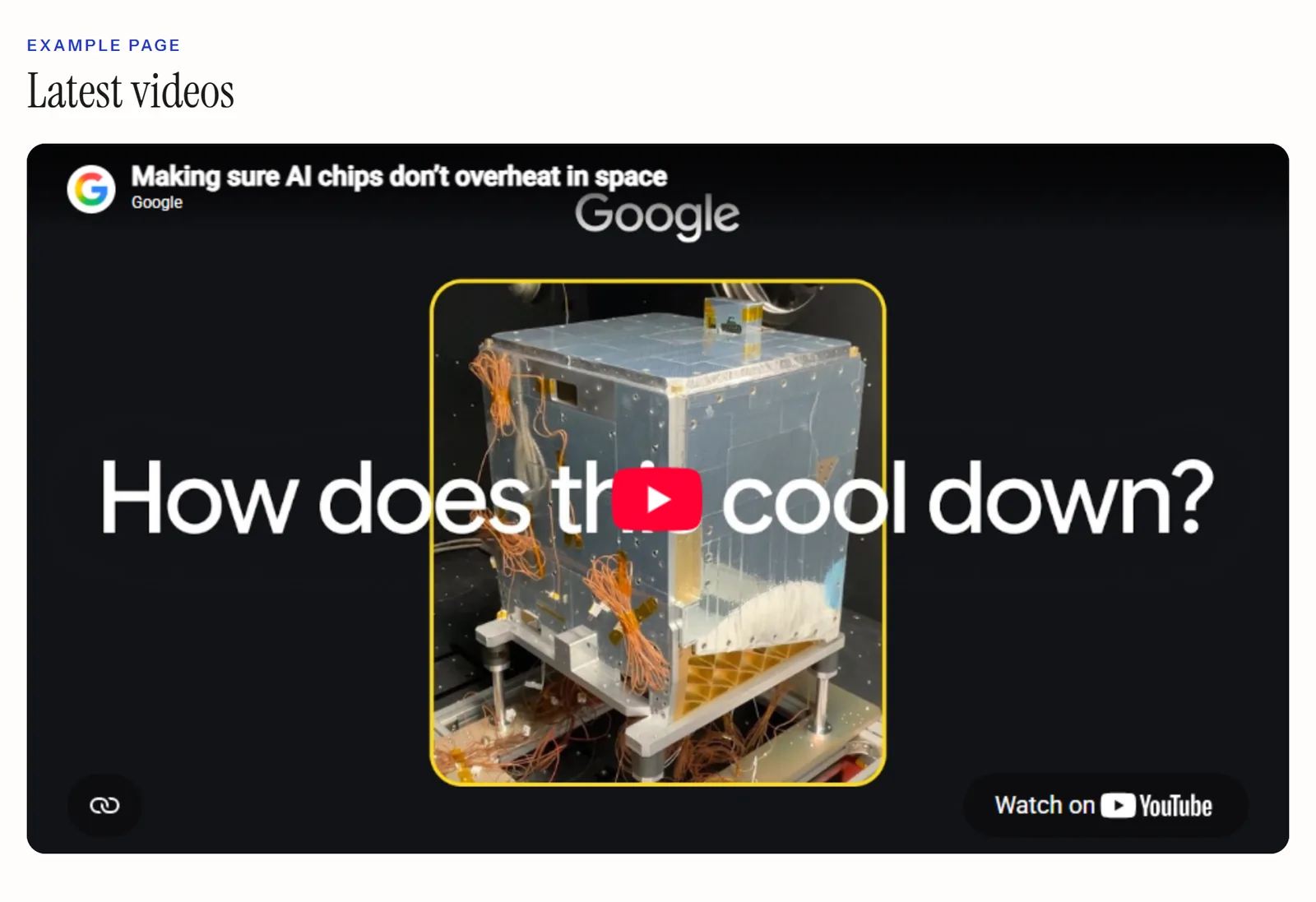
Embed the channel’s uploads playlist. Find your channel ID, which starts with UC, change those two letters to UU, and put the result in YouTube’s playlist embed URL. The player opens on the newest upload, and the playlist menu holds the rest. When you publish a new video, the embed shows it without any change on your site.
- Find your channel ID. On YouTube, open your profile picture, then Settings, then Advanced settings. You must be signed in as the channel’s primary owner to see it. If your channel address has the form
youtube.com/channel/UC…, the ID is the part after/channel/. - Change UC to UU. A channel ID like
UCK8sQmJBp8GCxrOtXWBpyEAbecomesUUK8sQmJBp8GCxrOtXWBpyEA. That is the ID of the playlist holding every public upload. - Paste the code below where the video should appear, with your playlist ID in place of the example. The example is Google’s own channel.
<iframe
  width="560" height="315"
  style="width: 100%; height: auto; aspect-ratio: 16 / 9; border: 0;"
  src="https://www.youtube-nocookie.com/embed/videoseries?list=UUK8sQmJBp8GCxrOtXWBpyEA"
  title="Latest videos from our YouTube channel"
  loading="lazy"
  allow="accelerometer; autoplay; clipboard-write; encrypted-media; gyroscope; picture-in-picture; web-share"
  referrerpolicy="strict-origin-when-cross-origin"
  allowfullscreen></iframe>
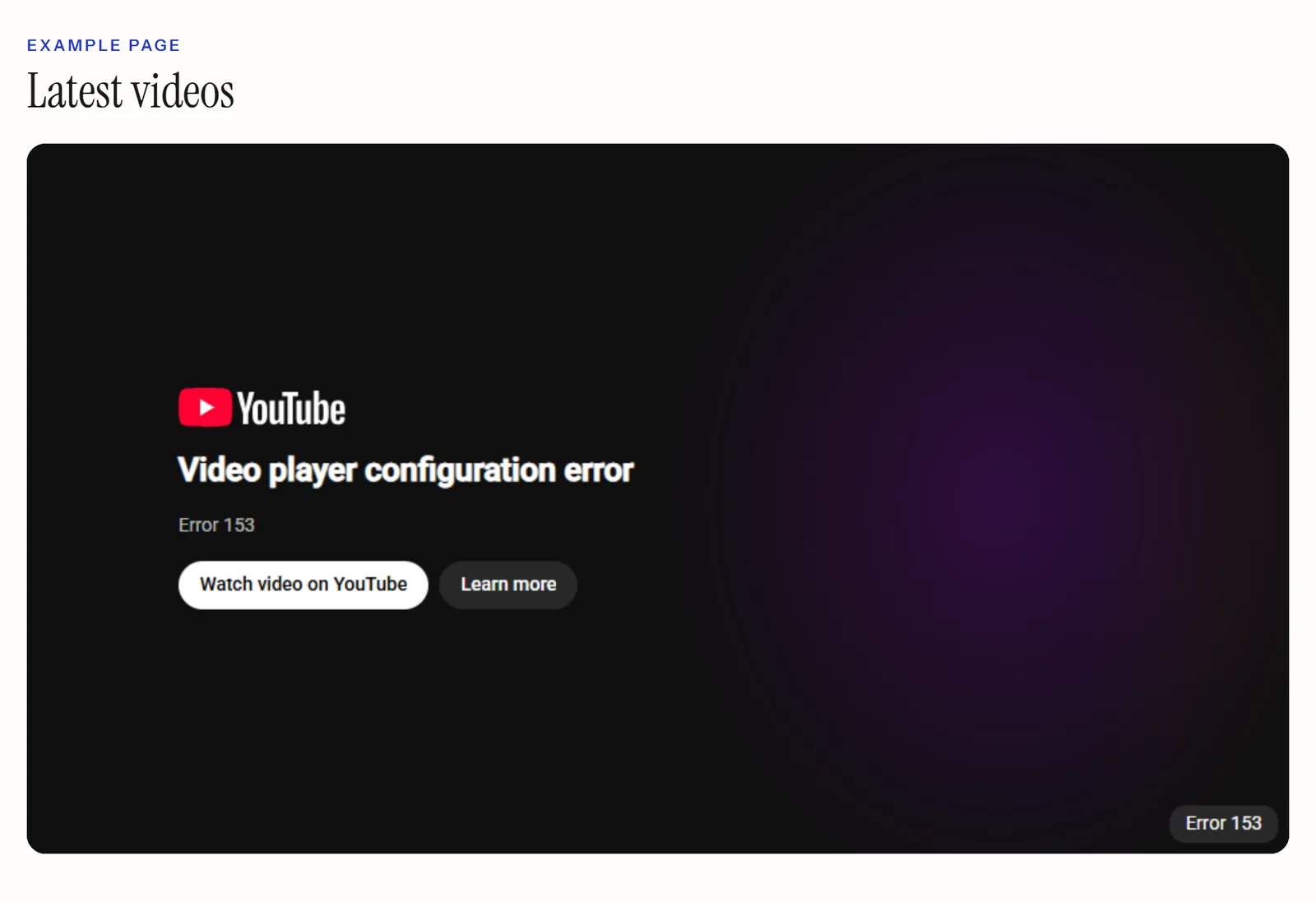
Each line is there for a reason. videoseries?list= loads a playlist rather than one video. The style keeps the player 16:9 at any width, while the width and height still reserve its space as the page loads. loading="lazy" waits to load the player until the reader scrolls near it. referrerpolicy matches the embed code YouTube itself hands out: a player request without a referrer fails with error 153, according to YouTube’s player API reference.
Is changing UC to UU reliable?
The YouTube Data API publishes every channel’s uploads playlist under contentDetails.relatedPlaylists.uploads. When we checked it for this article, it returned the channel ID with UC changed to UU for every channel we asked about, and the code above opened on the newest upload on both youtube.com and youtube-nocookie.com. YouTube does not document the letter swap as a rule, though. If you are building something that has to keep working, read the ID from the API once and store it.
What the player will and will not do
- It shows one video at a time. The rest sit in the player’s playlist menu, not on your page.
- Shorts are uploads, so they appear in the playlist alongside everything else.
- A video whose owner has turned off Allow embedding will not play in it. YouTube reports that as error 101 or 150.
- Age-restricted videos cannot be watched on most other websites, according to YouTube’s help centre.
- YouTube requires the player to be at least 200 by 200 pixels.
Should you use youtube.com or youtube-nocookie.com?
Use youtube-nocookie.com. It is YouTube’s privacy-enhanced mode: the same player, except that watching the embed does not influence the viewer’s browsing experience on YouTube. Change the domain in any embed code and nothing else. It still loads YouTube’s player from YouTube’s servers, so it does not replace your own consent decisions.
YouTube’s help page on embedding describes privacy-enhanced mode as that domain change and nothing more. Playlist embeds work the same way on both domains, which we checked for this article, so the code above uses it by default.
How do you list a channel’s latest videos with titles and thumbnails?
Read the channel’s RSS feed. Every YouTube channel publishes one at a public address, with no key and no sign-in. It holds the latest 15 uploads, each with its title, link, publish date, thumbnail, description and view count, which is everything a list or grid of recent videos needs.
https://www.youtube.com/feeds/videos.xml?channel_id=UCK8sQmJBp8GCxrOtXWBpyEAPut your own channel ID, the UC version, after channel_id=. The same address with playlist_id= and a playlist ID returns that playlist instead, which is the way to show a curated selection rather than everything.
A feed is data, not a display, so it needs something to turn it into a page. On a static site, read it at build time and render your own list. Anywhere else, an RSS feed widget will fetch and lay it out for you. Two limits are worth knowing before you build on it: the feed only ever holds the latest 15 videos, and there is no way to ask it for more.
When do you need the YouTube Data API?
When you need more than the RSS feed gives: older videos than the latest 15, durations, or several channels combined into one gallery. Reading a channel’s uploads takes two cheap calls, and a project gets 10,000 quota units a day by default, so cost is rarely the problem. Building and maintaining the display is.
The route is the same one the uploads playlist trick relies on. channels.list returns the uploads playlist ID, then playlistItems.list pages through it. According to YouTube’s quota table, each of those calls costs one unit. Call the API from a server rather than from the visitor’s browser, so your key is never in public code, and cache the result rather than calling it on every page view.
What the API does not give you is a front end. Thumbnails, layout, refresh, error states and the inevitable change to YouTube’s responses are all yours to build and keep working.
Do embedded YouTube videos slow down a page?
A single player does, measurably, and several do so badly. Google’s web.dev guide finds that lazy-loading one YouTube embed saves about 500 KB on the first load of a page. The fix is to load players only near the viewport, show one player rather than six, and use thumbnails that open the video for everything else.
The cost comes from what each player loads before anyone presses play: a full document with its own scripts, per player. That is why a video section of six embedded players is one of the heaviest things you can put on a page. The web.dev guide to third-party embeds recommends loading="lazy" for embeds below the first screen, and a facade (a thumbnail that swaps in the real player on click) where visitors may never press play.
There is a search side to this too. A player in an iframe is YouTube’s document, not part of your page, which we cover in more detail in how social media feeds affect SEO.
How do you show a gallery of videos that matches your site?
Use a widget that reads the channel for you and renders thumbnails in your own layout, colours and type. Visitors see a grid of recent videos with runtimes, each opening the video on click, and the player loads only when someone chooses to watch. New uploads appear on their own, at the refresh interval the tool polls on.
This is the version that suits a homepage or a video section, where the uploads playlist would be one lonely player. A YouTube widget from Vitraz works from your channel address or @handle, needs no Google sign-in from you, and can show the whole channel or a single playlist. Videos are thumbnails, not stacked players, so the page carries images until someone presses play.

Be clear about what “automatic” means, with any tool. Nothing in this category is instant, because every widget polls YouTube on a schedule. A new upload appears at the next refresh, not the moment you publish.
Questions people also ask
Sign in to YouTube, select your profile picture, then Settings, then Advanced settings. Your channel ID is listed there, and it starts with UC. You need to be the channel’s primary owner to see it. If your channel address is in the youtube.com/channel/UC… form, the ID is in the address itself.
Usually for one of four reasons: the owner has turned off embedding, the video has been made private or removed, it is age-restricted, or the page sent no referrer with the request. YouTube’s player reports turned-off embedding as error 101 or 150, a private or removed video as 100, and a missing referrer as 153. Keeping YouTube’s own referrerpolicy attribute on the iframe avoids the last one.
The latest 15 uploads, newest first, whether you request it by channel ID or by playlist ID. There is no parameter for more. If you need older videos, use the YouTube Data API, which pages through a channel’s whole uploads playlist.
Reliably, only muted. Chrome always allows muted autoplay, but in most cases blocks autoplay with sound until the visitor has interacted with the site. You can add autoplay=1 and mute=1 to the embed URL, but a player that starts on its own costs visitors data and attention, so most sites are better without it.
The uploads playlist embed does, because it reads the playlist each time the player loads, so your newest video comes first with no change on your site. A single-video embed never changes. The RSS feed updates too, but anything you build from it only changes when your code reads the feed again.
Sources
- 1.Embed videos and playlistsYouTube Help
- 2.Find your channel’s user ID and channel IDYouTube Help
- 3.YouTube embedded players and player parametersYouTube for Developers
- 4.YouTube IFrame Player API referenceYouTube for Developers
- 5.Data API: Channels resourceYouTube for Developers
- 6.Data API: Quota calculatorYouTube for Developers
- 7.Best practices for using third-party embedsweb.dev
- 8.Autoplay policy in ChromeChrome for Developers
Keep reading
Put real posts on your site, where Google can read them.
One deferred script, rendered into your page, no cookies. Your first feed is free and needs no card.
Build your first feed