A social media wall for events, planned before the doors open.
A social media wall for events is the screen people remember, and the setup most often left to the last hour. Here is the plan, from four weeks out to the week after, so it works the moment the doors open.
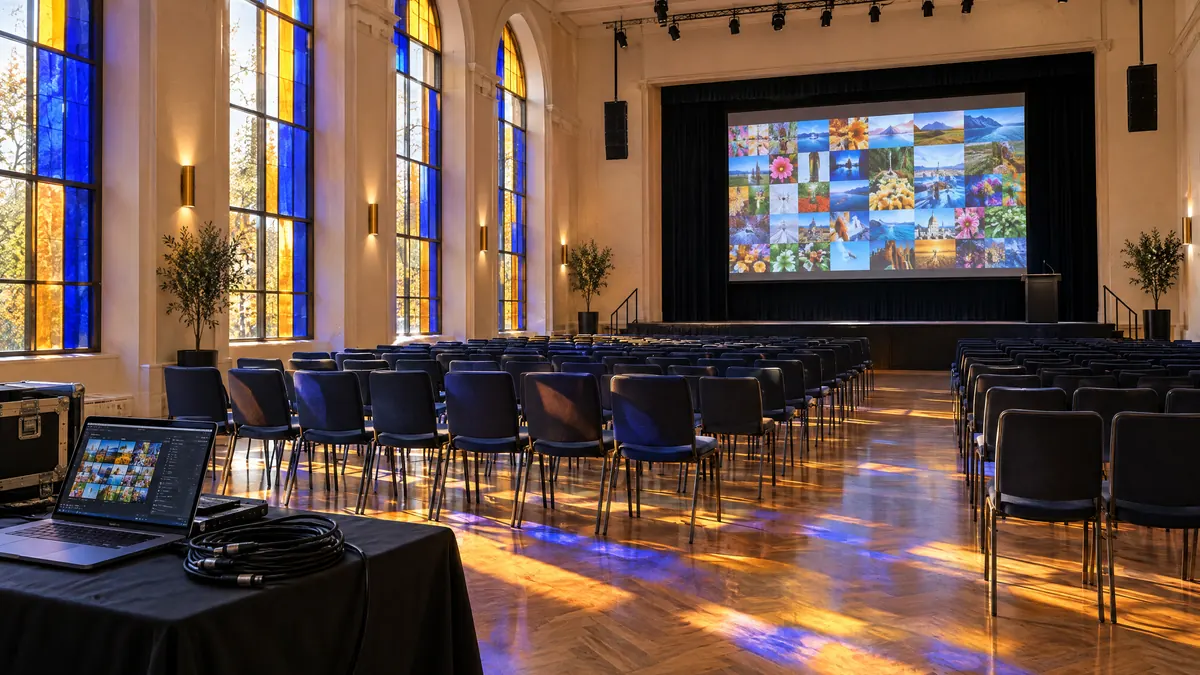
What is an event social wall?
An event social wall is a screen at your venue, and often a section of your event website, that shows posts from attendees and your own accounts as they arrive. A person approves what appears, so it stays on brand, and it keeps updating while the event runs.
It does three jobs at once. In the room it shows people the event they are part of, which is why the screen by the coffee draws a crowd. For sponsors it is visible proof that people were there and talking. And afterwards it is the only record of the event as attendees saw it rather than as the marketing described it.
None of that needs technical skill. It needs a handful of decisions made early, which is what the rest of this page is: the general guide to what a social wall is lives elsewhere; this is the plan for running one at an event.
The plan
From four weeks out to the week after.
01 · Four weeks out
Decide where it goes
- Count the screens and where they stand. A wall in a corridor nobody walks down is wasted; one beside the coffee is not.
- Pick one tag and check nobody else is using it. Our hashtag wall guide has a three-step test.
- Start from your own accounts, then add the tag. Check which networks your attendees actually post on.
02 · One week out
Build and seed it
- Make one feed per screen, and a separate one for the event website.
- Choose layouts with fewer, larger tiles for anything read from across a room.
- Seed every feed with your own posts: the venue, the setup, speakers arriving. An empty wall reads as a broken one.
- Name the moderator for each part of the day, and give them access now rather than on the morning.
03 · The day before
Test the screen in the room
- Open the feed's screen view on the machine driving the display and make it fullscreen.
- Turn off sleep, the screensaver and automatic updates. The digital signage guide covers the display machine in detail.
- Look at it from the back of the room. If you cannot read it from there, use a layout with fewer tiles.
04 · On the day
Keep a person on the queue
- The moderator keeps the approval queue open on a phone or laptop.
- Pin the strongest posts so quiet moments still look good.
- Mention the tag from the stage once. It does more than every printed mention put together.
- Hand the queue over out loud at every change of shift.
05 · The week after
Keep what the event made
- Leave the wall published on the event page; next year's attendees read this year's.
- Filter it to the best posts and put that on the ticket page, where it does the selling.
- Send each sponsor the link to the posts that mention them.
Read from ten metres, not from a laptop.
A grid that looks rich on your desk turns into confetti at the back of a hall. Event walls work dark, with fewer and bigger tiles, and with the images doing the work. This one is live.
Moderating an event wall, before it reaches the screen.
Approve before anything shows. Posts collected from a hashtag always wait for someone to approve them, whatever the feed’s setting; posts from your own accounts can go straight through. Keyword rules hide anything on your word list before a person has to see it.
| Posts from | What happens |
|---|---|
| Your own accounts | Can go straight to the screen. You already control what gets posted, so set the feed to approve automatically. |
| A hashtag | Always waits for approval. Strangers write these. Vitraz queues every tagged post, whatever the feed's setting. |
| Anything matching your word list | Hidden automatically. Keyword rules (Studio and up) hide a post before a person ever has to look at it. |
Who holds the queue
One named person per part of the day, at the event and not also running it. Agree in advance what gets hidden: most events approve disagreement and hide abuse, and the person on shift should not have to invent that rule at 4pm.
Taking something down
Hide it in the queue. It leaves the screen view within five minutes and disappears from a website embed the next time the page loads, so a mistake lasts minutes, not the evening.
One set of sources, three places to show it.
1
On the screen
The screen view, fullscreen, dark, big tiles. It refreshes itself every five minutes for as long as the event runs.
2
On the event website
The same sources in a denser, browsable layout, embedded with one line of code, for the people following from home.
3
On next year's ticket page
A feed filtered to the best of it. Nothing to collect again: it is the same sources, a different selection.
Every layout is shown with real content on the layouts page.
Walls for a particular kind of event
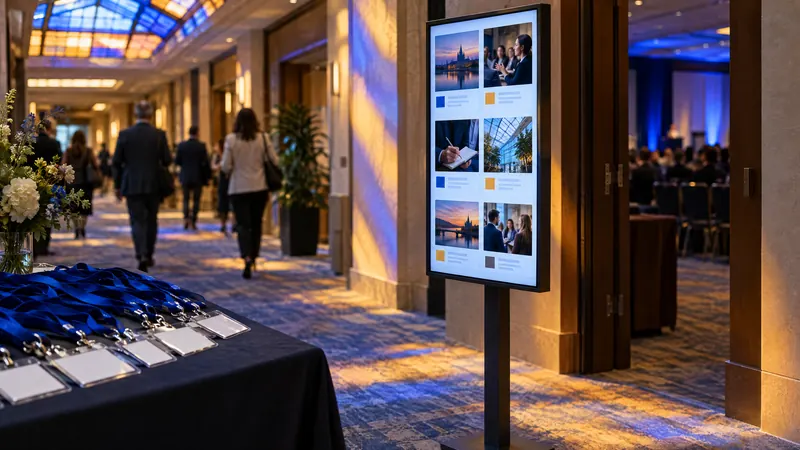
Conference social walls
One wall per room, a rota that lasts three days, and sponsor screens.
Read the guide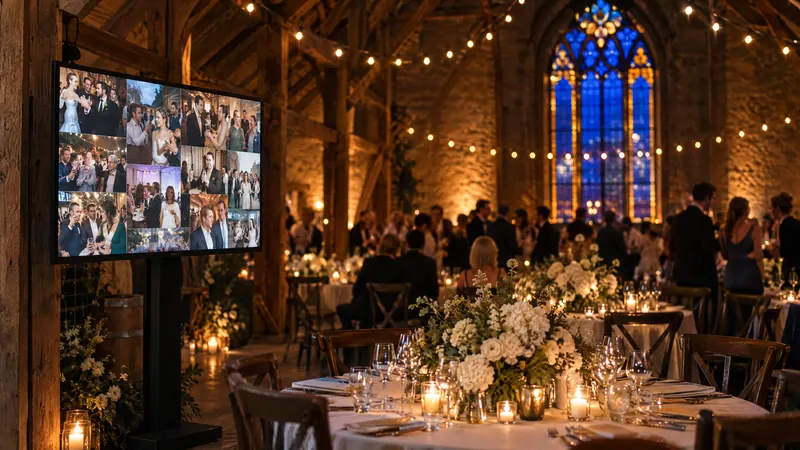
Wedding social walls
The table card, the one helper, the venue screen and what you keep.
Read the guide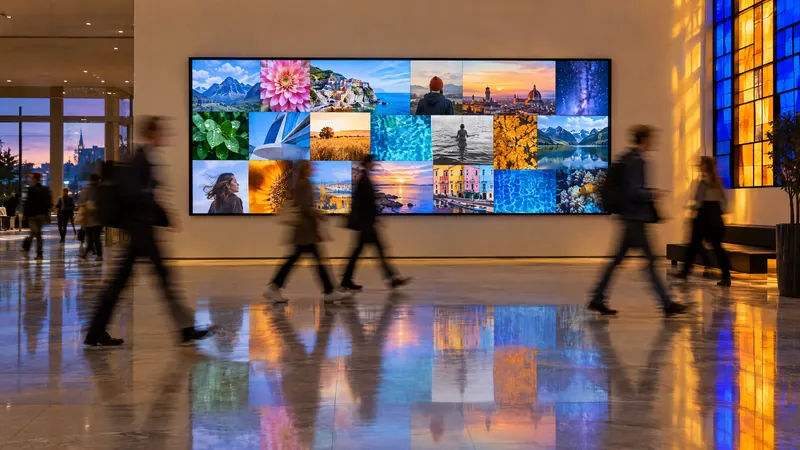
Live social walls
Every step between a post and the screen, with the real numbers.
Read the guide
Hashtag walls
Which networks allow tag search, and how to test a tag before printing it.
Read the guide
Social walls for digital signage
Sizing for the room, and setting up a display machine that runs for months.
Read the guide
Event walls, answered.
Open the feed's screen view (in Vitraz: Embed, then On a screen) in a browser on the machine connected to the display, and make it fullscreen. It checks for new posts every five minutes by itself. Give the machine mains power and turn off its sleep timer.
Yes, and you usually should. They are different feeds over the same sources: the screen wants big tiles and few of them, the website wants a denser layout people can browse.
It happens more often than event pages admit. Seed the wall with your own posts beforehand, put the tag on signage and slides rather than only in the programme, and have a speaker mention it once from the stage.
Sources are checked on your plan's schedule, as often as every five minutes on the top plan, and the screen view picks up approved posts within five minutes. Add however long your moderator takes. That is fine for a wall people glance at, and not for anything timed to the second.
Have the wall working a week before anyone sees it.
Set it up on the free plan, seed it with your own posts, and test the screen the day before.
Start free