A social media wall, and how to build one properly.
A social media wall puts posts, reviews and videos from several networks into one curated feed, on your website, on a screen at an event, or both. Here is what one is, the main types, how to build one, and what it costs.
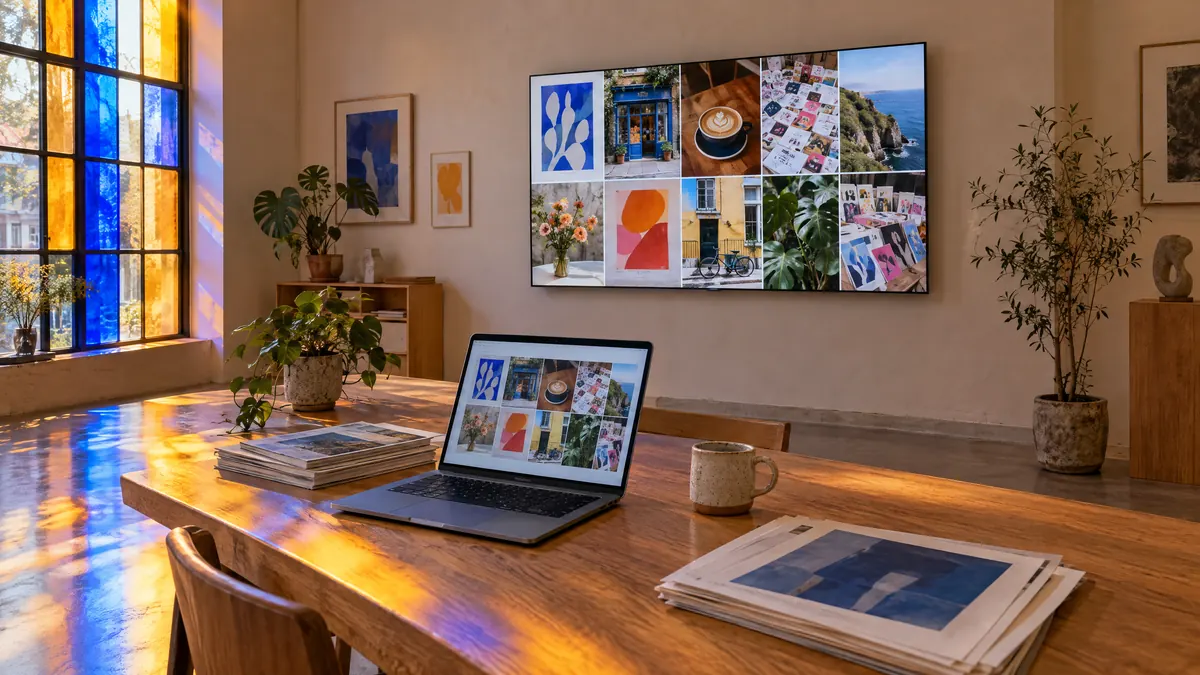
What is a social media wall?
A social media wall, or social wall, is a single curated feed that gathers posts, reviews and videos from several social networks and displays them together, on a website, on a screen at an event, or on both. Someone chooses what appears, which is the difference between a social wall and a firehose.
The same thing goes by several names: social wall, social feed wall, hashtag wall, tweet wall, social media display. The parts are always the same four: the sources it collects from, the rules for what may appear, a layout, and a place to show it.
What changes is the situation. A wall on a product page runs for months and is read at arm’s length. A wall at a conference runs for three days, is read from ten metres, and needs someone watching it. The rest of this page is organised by that difference.
- Collects from
- Google reviews, YouTube, X, RSS, Bluesky and Mastodon today. Instagram, TikTok, Facebook and LinkedIn are in development.
- Shows on
- Any website, with two lines of code, and any screen, through a browser in fullscreen.
- Moderation
- Posts from a hashtag always wait for approval. Your own posts can go straight through.
- Refresh
- On your plan's schedule, from daily on Free to every 5 minutes on Scale.
A social wall, in one minute.
One open studio evening, start to finish: posts from six networks on one wall, hashtag posts approved by hand, a layout for the room, the big screen, and the same wall on the event page.
Read the transcript
Your posts, your reviews and everything people share about you, together on one wall.
Connect the accounts you post from, add your reviews and your blog, and follow your event's hashtag on X and Mastodon.
Posts from the hashtag wait for your approval, and word filters keep out anything you never want on screen.
Pick a layout made for a room, in light or dark.
Open one address on the computer behind the big screen, and new posts appear every few minutes on their own.
The same wall works on your event page too, so people at home can follow along.
Build your social wall at vitraz.io.
Where does a social media wall go?
In three places, often at once: on a website, where it works as proof beside the thing it is about; on a screen at an event or in a lobby, where it is read from across a room; and on phones, because the embed follows the page it sits in. One set of sources can feed all three.
1
On a website
Two lines of code put it on any page that accepts HTML, and WordPress has a plugin. Beside a product, a menu or a booking form it works as proof; the guides for each website platform show where the code goes.
2
On a screen
A screen at an event, in a lobby or in a shop opens the wall’s screen view in a browser, fullscreen. It is read from across a room, so it wants fewer and larger tiles, and it keeps itself current without anyone touching it.
3
On phones
The embed lays itself out to the width of the page it sits in, from three columns on a desktop to one on a phone, so the event page works for the people following from home as well as for the room.
Examples
Social media wall examples, by what they are for.
Most social walls are one of eight kinds. They differ less in the software than in how long they run, who reads them and from how far away, and whether strangers can add to them. Each has its own guide.
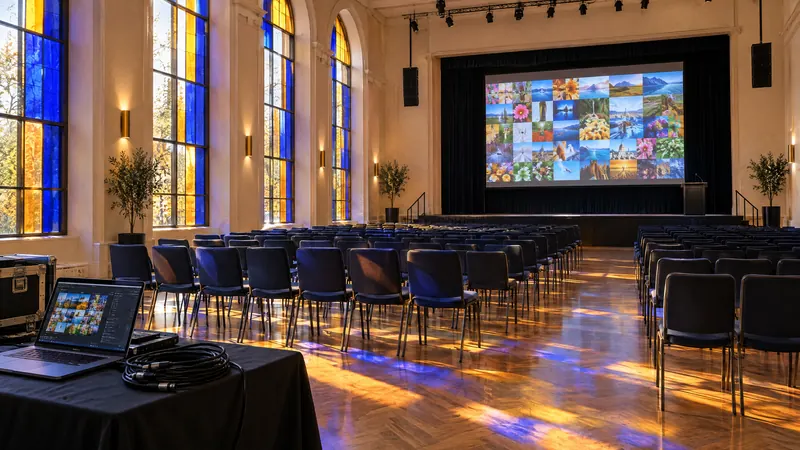
Event social wall
A screen at the venue and a section of the event website, fed by your own accounts and the event's hashtag.
An evening to a few days · read from across the room

Conference wall
Several days and several rooms: a wall per screen, speakers' mentions, and a moderation rota someone has to staff.
Two to five days · several screens
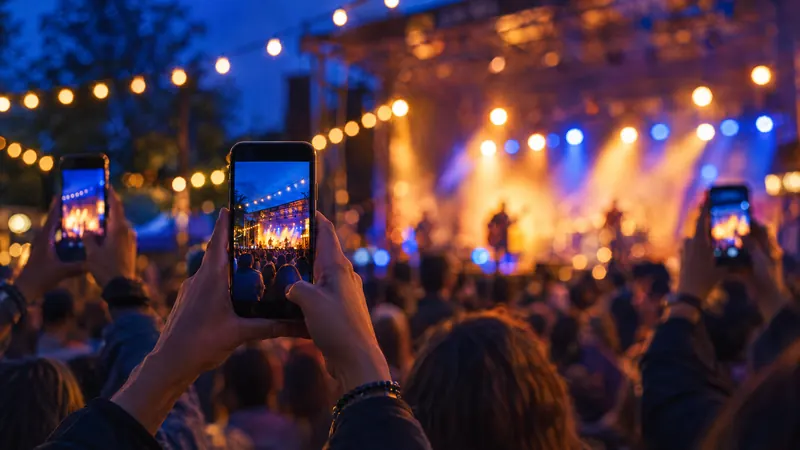
Hashtag wall
Collected by tag rather than by account, for a campaign or an event, with every tagged post approved by hand.
Weeks to months · anyone can add to it

Live social wall
A wall where speed is the question, and an honest account of what live means when posts are checked on a schedule.
Any length · speed matters
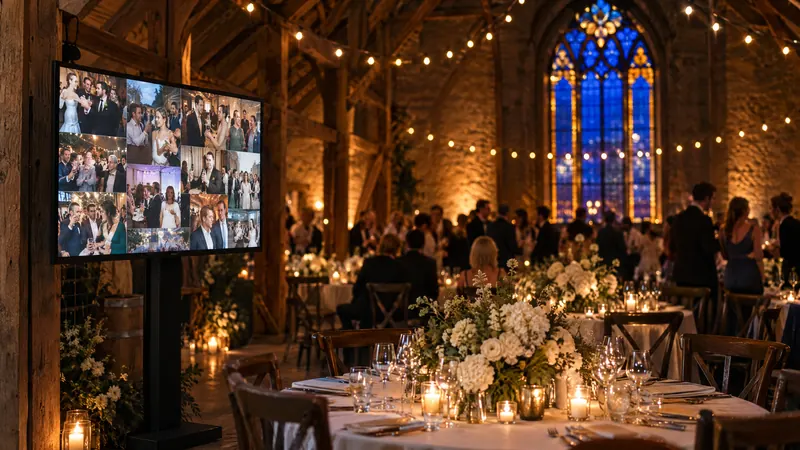
Wedding social wall
Guests' photos on a screen during the reception, all of them kept afterwards, running without anyone minding it.
One evening · unattended

Digital signage
A lobby or shop screen that runs for months on its own and is read from across a room by people walking past.
Months · unattended

Social proof for ecommerce
Customers' photos and posts beside the product they show, on the page where people decide whether to buy.
Months · read at arm's length

Google Reviews widget
Your Google reviews on your own site, each one credited to its reviewer and linked back to it on Google Maps.
Months · read at arm's length
Which one applies to you
These overlap enough that people land on the wrong one. Two questions separate them: how long it runs, and who is watching it while it does.
| If you are running | For how long | Start with |
|---|---|---|
| A conference or festival | Two to five days | Conference wall |
| A single-evening event | A few hours | Event social wall |
| A campaign around a tag | Weeks to months | Hashtag wall |
| A wedding or private party | One evening, unattended | Wedding social wall |
| A lobby or retail screen | Months, unattended | Digital signage |
| Proof on a shop or home page | Months, unattended | Social proof for ecommerce |
| Anything where speed is the question | Any | Live social wall |
The build
How do you build a social wall?
Connect the accounts the posts will come from, decide what may appear, pick a layout suited to the reading distance, and embed it or open it on the screen. The part that takes real time is none of those four: it is deciding who moderates, and when.
Step 1
Connect the sources
Start with the accounts you already post from, add your Google reviews and your blog, then a hashtag if guests should be able to add to the wall. Real posts in the workspace make every later decision easier.
Step 2
Decide what may appear
Let your own accounts publish automatically, hold anything a stranger can tag for a person to approve, and add word filters for what should never reach the wall at all.
Step 3
Pick a layout for the reading distance
A wall on a website can be dense, because it is read at arm's length. A screen wants fewer and larger tiles, usually on a dark background, because it is read from across a room.
Step 4
Put it where it is read
Paste the embed code into the page, or open the wall's screen view on the computer behind the display and make it fullscreen. Both show the same approved posts.
Step 5
Seed it, then test it
Fill the wall with your own posts before anyone sees it, because an empty wall reads as a broken one. Then look at the screen from the back of the room, on the actual display, the day before.
Every layout is shown with real content on the layouts page, and the event social wall guide turns these steps into a plan from four weeks out.
Which networks can a social wall show?
Six networks connect today: Google reviews, YouTube, X, RSS, Bluesky and Mastodon. Instagram, TikTok, Facebook and LinkedIn are built and waiting on each platform's own review. Most need nothing more than a handle or a link; Google reviews and X start on a paid plan.
| Network | What it can add | Status |
|---|---|---|
| Google Reviews | Up to five reviews per place, chosen by Google | Connects todayStudio and up |
| YouTube | A channel's latest public uploads, playable on the page | Connects today |
| Twitter (X) | Any public account, a hashtag, or posts that mention an account | Connects todayStudio and up |
| RSS | Any blog, podcast or news feed | Connects today |
| Bluesky | Any public account, with no key or sign-in | Connects today |
| Mastodon | Any account on any server, or a hashtag | Connects today |
| Posts and Reels from a Business or Creator account | In development | |
| TikTok | Public videos from a TikTok account you sign in with | In development |
| Posts from a Facebook Page you manage | In development | |
| Posts from a company page you manage | In development |
Does a social wall need moderation?
On a public hashtag, always. Anything a stranger can put on your screen by typing a tag will eventually be something you would not choose, and the time between it appearing and someone noticing is the whole risk. On your own accounts it changes completely.
- Your own accounts: publish automatically, because you approved each post when you wrote it.
- A public hashtag: every post waits for a person, or you are running an open publishing channel on your own screen.
- Word filters hide a post carrying a word on your list before anyone has to look at it.
- Hiding a post takes it off your wall in one click. It stays on the network, which is the right boundary.
Who should hold the queue, and what to hide, is covered in moderating an event wall.
How do you show a social media wall on a screen?
Open the wall’s screen view, a web address Vitraz gives you, in a browser on the computer or media player connected to the display, and make it fullscreen. It checks for newly approved posts every few minutes on its own, so nobody has to touch the machine while it runs.
- Turn off sleep and the screensaver on that machine.
- Use a dark layout with fewer, larger tiles for anything read from a distance.
- Leaving it up for months is digital signage; how fast it really updates is on the live social wall page.
What does a social wall cost?
Nothing to start. The free plan runs one wall on one website with two free sources and no card, which is enough for a small wall or to prove the idea. Paid plans add walls, sources, views and faster refresh, and remove the Vitraz badge.
- Refresh speed usually decides the plan: from daily on Free to every 5 minutes on Scale.
- Google reviews and X start on Studio; YouTube, RSS, Bluesky and Mastodon work on every plan.
- Views are counted once per viewer per day, not per page load, so a wall on several pages of one site counts each visitor once a day.
- Free includes 1,000 views a month; Growth and Scale have no view limit.
Social walls, answered.
Nothing. The two terms mean the same thing and are used interchangeably. Some people keep "social wall" for the website version and "social media wall" for the big screen, but no product draws that line, and neither do we.
Yes, and that is usually the point. One wall can mix Google reviews, YouTube, X, RSS, Bluesky and Mastodon today, ordered by date or curated by hand. Instagram, TikTok, Facebook and LinkedIn are built and waiting on each platform's own review. You can also keep networks apart and embed each as its own wall.
Two ways. Either the wall follows accounts you own, in which case posting to that account puts it on the wall, or it follows a hashtag, in which case anyone using the tag can add to it. The second needs moderation; the first mostly does not.
Yes. Embed the wall on your site and open the same wall's screen view on the display, and approving a post shows it in both. If the screen needs bigger tiles than the page, make a second wall over the same sources with its own layout.
On a schedule set by your plan, from daily on Free to every 5 minutes on Scale, and a screen picks up newly approved posts within five minutes. That suits a wall people glance at over an evening, and not a countdown or a live reveal.
Yes. The free plan has one wall on one website, two free sources such as YouTube, RSS, Bluesky or Mastodon, daily refresh and 1,000 views a month, with a small Vitraz badge and no card. It includes seven layouts; Social wall, Masonry and Carousel start on Spark.
Any that lets you add your own HTML, which is nearly all of them. WordPress has a Vitraz plugin with a block and a shortcode; on other builders, the wall goes into the custom code or embed element the builder already has.
Keep reading
Keep reading
Build the wall before anyone needs to see it.
Start on the free plan with two sources, look at it on the real screen, and add more when the wall has earned them.
Start free