A social media wall for digital signage that people keep looking at.
Most signage screens show the same slides until nobody sees them. A social media wall for digital signage changes on its own, which is the one reliable way to keep a lobby or shop screen worth a glance.
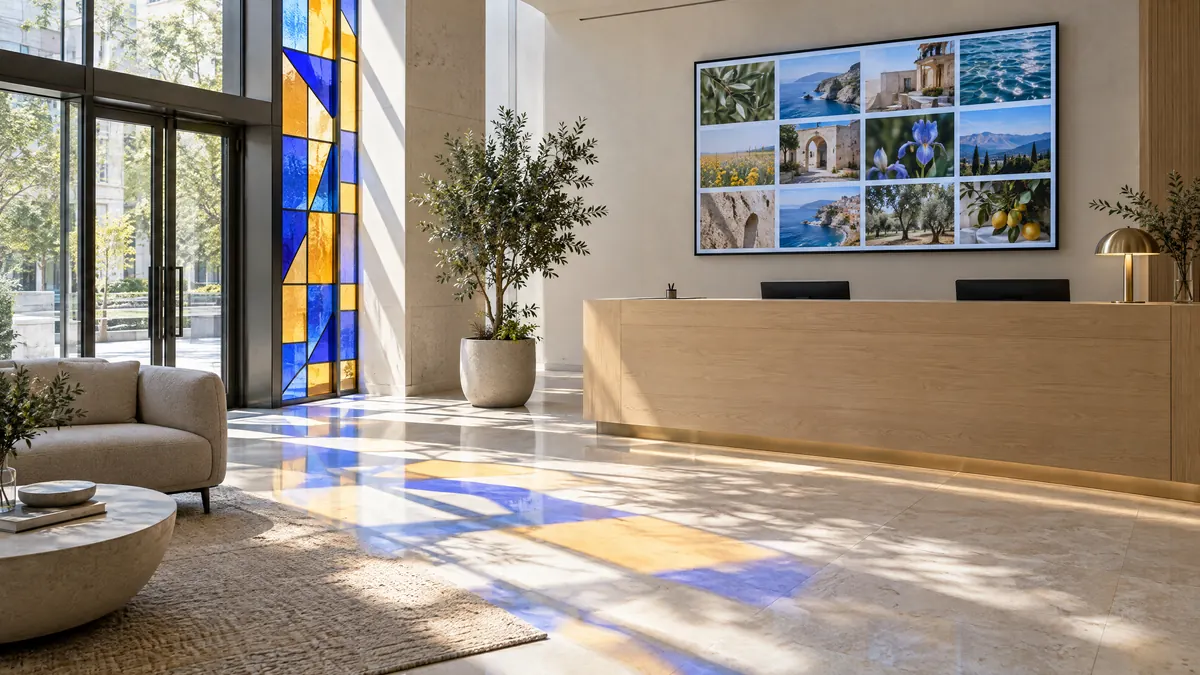
Can a social media wall run on digital signage?
Yes. Every Vitraz feed has a screen view: a web page that shows the wall in a full window and checks for new posts every five minutes. Any device with a browser can run it, and many signage players can show a web address, so there is no separate player licence to buy.
Reading distance
Size it for the room, not for your desk.
A signage screen is read from across a room and often at an angle. The further away people stand, the fewer and larger the tiles.
| Viewing distance | Typically | Tiles on screen | Layout |
|---|---|---|---|
| Up to 3 metres | A reception desk, a small lobby | 6 to 9 | Grid |
| 3 to 6 metres | A lobby, a shop floor, a canteen | 4 to 6 | Social wall |
| Over 6 metres | An atrium, a hall, a warehouse | 2 or 3 | Full width |
Then check it the only way that counts: stand where people stand, at the angle they pass it, and see whether you can tell what a post is about. Every layout is on the layouts page with real content.
Set up once
A display machine that runs for months.
In Vitraz, open the feed, choose Embed, then On a screen, and copy the address. Everything else is the device: unattended screens fail because of sleep timers and restarts, not because of the wall.
A Windows PC
- 1Settings, System, Power: set the screen and sleep to Never, and turn off the screen saver.
- 2Open the screen view in Chrome in kiosk mode, which shows the page with no browser around it (command below).
- 3Put a shortcut to that command in the Startup folder (type shell:startup in the Run box), so the wall comes back after a restart.
A Mac
- 1System Settings: set the display never to turn off and the Mac never to sleep (in Lock Screen and Energy).
- 2Open the screen view in Safari or Chrome and make it fullscreen with Ctrl+Cmd+F.
- 3Add the browser to Login Items in System Settings, General, so it reopens after a restart.
A TV or signage player
- 1Many signage players accept a web address as a content item: add the screen view's address there.
- 2On a smart TV, open it in the TV's own browser instead.
- 3Leave it for a day and check it is still up: some TV browsers close a page after a few hours.
chrome.exe --kiosk https://vitraz.io/screen/YOUR_FEED_IDReplace YOUR_FEED_ID with your feed’s ID. Press Alt+F4 to leave kiosk mode.
What stops a screen after six weeks.
An update restarts it
Schedule updates outside opening hours, and make the wall open at login so a restart fixes itself.
The socket goes off at night
Plug the machine into a socket that stays on, not the one whoever locks up switches off.
The Wi-Fi drops
Use a cable where you can. The wall keeps showing what it has, but it cannot get anything new.
Nobody looks at it
Glance at it once a week. A screen nobody checks is a screen nobody notices has stopped.
Content for a screen nobody is watching.
A lobby screen is the least supervised place your brand appears, often in front of clients. Feed it from your own accounts wherever you can: no queue, no surprises, nobody on a rota. If it must include a public tag, every tagged post waits for approval, and someone has to clear that queue; how that works is on the event social wall page.
Pin a few strong posts so something good is always on screen through a quiet fortnight. The point of a feed over slides is that nobody has to remember to change it, which is exactly why most signage goes stale.
Related guides
Live social walls
Every step between a post and the screen, with the real numbers.
Read the guide
Social walls for events
The plan from four weeks out to the week after, and how to moderate on the day.
Read the guide
Conference social walls
One wall per room, a rota that lasts three days, and sponsor screens.
Read the guide
Signage walls, answered.
No. A feed's screen view is a web page, so any device with a browser can show it full window. If you already run signage software, many players accept a web address as content, which works too.
Yes. The screen view checks for new posts every five minutes by itself, and keeps showing what it has if the network drops for a while. It is the device, not the page, that needs setting up for unattended running.
Full width or social wall, dark, with fewer tiles than you would use on a website. Choose from where your audience stands, not from your desk.
A feed helps rather than hurts, because the content keeps changing. Fixed elements are the risk: a logo bar in the same corner for two years is what burns in, not the posts.
Give the lobby screen something worth looking at.
Connect your own accounts on the free plan, open the screen view, and set the machine up once.
Start free