A live social wall, and how live it really is.
A live social wall refreshes on a schedule, not in real time. Sources are checked as often as every five minutes, a screen picks up new posts every five minutes, and moderation takes as long as a person takes.
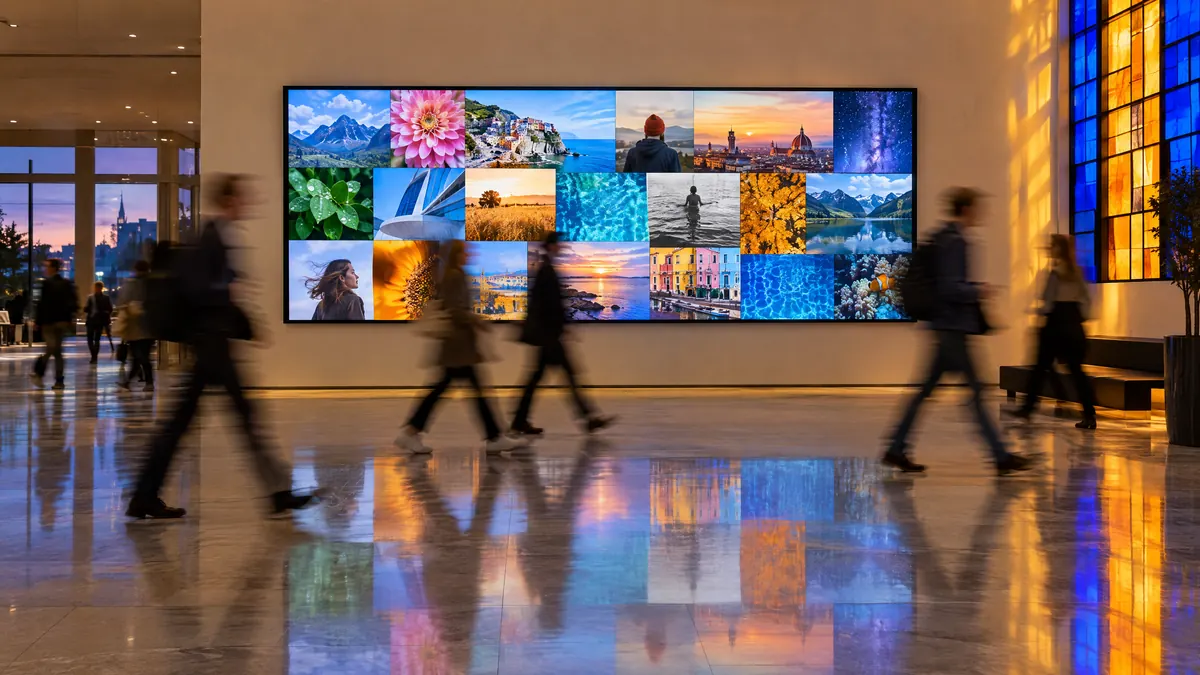
How live is a live social wall?
It runs on a schedule. Your sources are checked as often as every 5 minutes on the fastest plan, a screen picks up approved posts within 5 minutes, and moderation takes as long as a person takes. Nothing in this category is truly real-time, because every tool asks the networks for posts on a timer.
From post to screen
Four steps, each with a number.
- 1
Posted
Someone posts on the network, with your tag or from an account you follow.
- 2
Collected
Your plan checks the source on its schedule, as often as every 5 minutes.
- 3
Approved
Your moderator approves it, or it goes straight through from your own accounts.
- 4
On screen
The screen view picks it up within 5 minutes, without anyone touching it.
| Plan | Most sources | X | Screen view | Longest wait, auto-approved |
|---|---|---|---|---|
| Free | Once a day | Not included | Every 5 minutes | About a day |
| Spark | Every 3 hours | Not included | Every 5 minutes | About 3 hours |
| Studio | Every hour | As fast as every 3 hours | Every 5 minutes | About an hour |
| Growth | Every 15 minutes | As fast as every 3 hours | Every 5 minutes | About 20 minutes |
| Scale | Every 5 minutes | As fast as every 3 hours | Every 5 minutes | About 10 minutes |
Most sources means RSS, Bluesky and Mastodon. YouTube is checked less often on some plans, and Google Reviews once a day on every plan. X draws on a monthly post allowance, so how often it is checked depends on how much is left; the figure is the fastest it gets. The last column assumes posts go straight through. With a moderator, add however long they take.
Where a few minutes is fine, and where it is not.
Fine
A wall people glance at
A foyer screen, a band on a landing page, a reception. Nobody times the gap between posting and appearing, and the wall still feels continuous.
Anything that runs for hours or days
Over a day, five minutes disappears. The wall fills steadily and looks alive because new posts keep arriving.
Not fine
A countdown, a draw, a reveal
If a moment matters to the second, a scheduled wall is the wrong tool. Do not build the moment around one.
Promising instant appearance
Keep “post and see yourself on screen instantly” off the signage. People will test it, and you will spend the afternoon explaining.
The moderator is the real delay.
Step three is usually the longest. With approval on, the wall is exactly as live as the person watching the queue, and for anything strangers can post to, that is the right trade. How approval works is covered on the event social wall page.
Your own accounts are nearly live
Set those feeds to approve automatically. There is no queue, so the only wait is the schedule.
A tag is never instant
Posts collected from a hashtag always wait for a person, whatever the feed's setting.
If speed matters most
Run that wall from your own accounts only, and keep the tag for a second, moderated wall.
Keeping a web page current too.
A wall embedded on a website loads the latest posts each time someone opens the page, which suits nearly every site. For a page people keep open, a live blog during an event or a browser on a lobby PC, add refresh="5" and it updates in place every five minutes.
It is off by default on purpose: on an ordinary page, posts changing under a reader move what they are reading.
<script src="https://vitraz.io/embed.js" defer></script>
<vitraz-feed feed-id="YOUR_FEED_ID" refresh="5"></vitraz-feed>
Replace YOUR_FEED_ID with your feed’s ID from Vitraz: Embed.
Making a scheduled wall feel continuous.
Fewer tiles
On a wall of forty tiles nobody notices the three that just changed. On a wall of nine, everyone does.
Pinned posts as an anchor
A few posts that stay put give the eye something stable, which makes the changes around them easier to see.
Never start from empty
Seed the wall before anyone is watching, so it is never visibly filling up in front of an audience.
Where live walls usually run
Social walls for events
The plan from four weeks out to the week after, and how to moderate on the day.
Read the guide
Social walls for digital signage
Sizing for the room, and setting up a display machine that runs for months.
Read the guide
Conference social walls
One wall per room, a rota that lasts three days, and sponsor screens.
Read the guide
Live walls, answered.
Most sources are checked on a schedule set by your plan: once a day on Free, every 3 hours on Spark, every hour on Studio, every 15 minutes on Growth, every 5 minutes on Scale. A screen then picks up approved posts within 5 minutes, and moderation adds however long a person takes. It is a fast-refreshing wall, not a real-time stream.
Not today. The networks themselves limit how often any tool may ask for new posts, so a faster interval is partly a platform question, not only a pricing one.
The screen view does, every 5 minutes. A website embed loads current posts each time the page loads, and updates in place as well if you add refresh="5" to its snippet.
For almost every event, yes. The exception is anything built around a precise moment, a draw or a countdown, where you should not depend on a scheduled wall at all.
Put a wall on a screen this afternoon.
Connect a source on the free plan, open the screen view, and leave it running.
Start free