A wedding social wall made by everyone in the room.
Your photographer delivers in six weeks. Your guests take a different set of photos that night, and most of them vanish into a hundred camera rolls. A wedding social wall gathers them while the evening is still going.
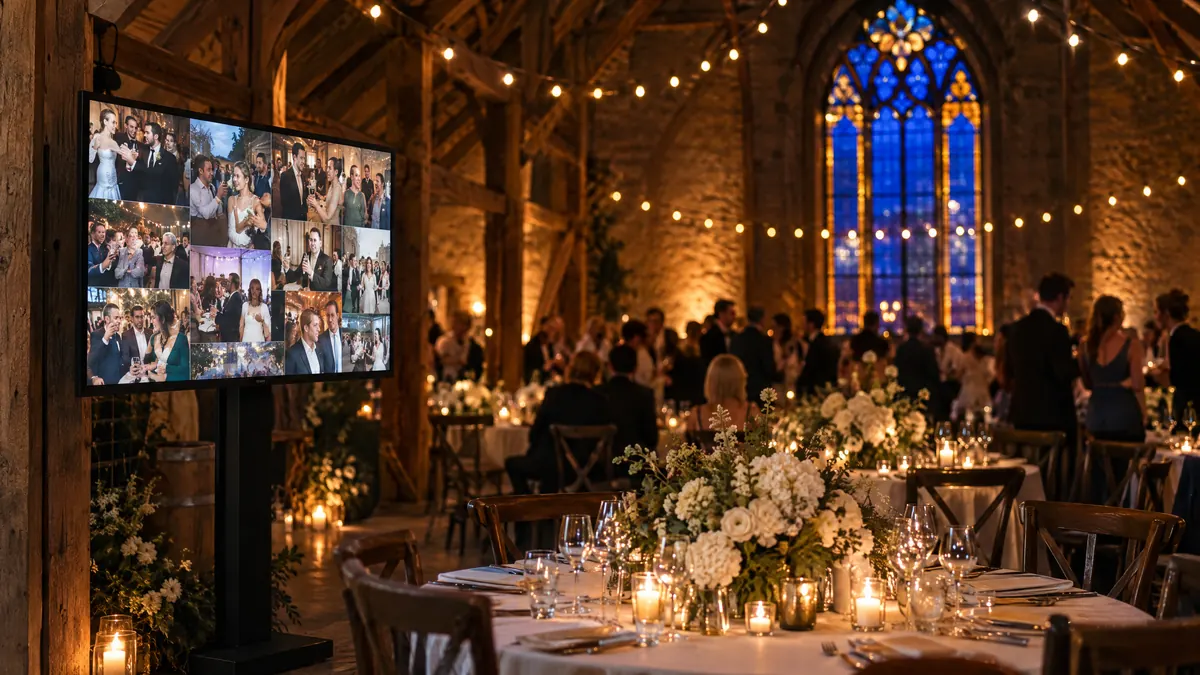
How does a wedding social wall work?
Guests post photos with your tag, one trusted guest approves them on their phone, and they appear on a screen at the reception within minutes. Afterwards the wall stays online, so every guest’s photos are in one place instead of a hundred camera rolls.
On every table
The card that does the work.
Guests will not remember a tag from an email sent three weeks ago. They will use one that is standing in front of them. Three things go on the card, and nothing else.
- The tag, large. Short enough to type with one thumb, specific enough that strangers are not already using it.
- Where the photos go. Name the screen. Seeing their photo appear is the whole reason people bother.
- Permission to skip it. One line saying it is optional. The guests who would rather not will relax, and the rest will post more.
Share the evening
#AnnaAndLuka26
Post your photos with our tag and they will appear on the screen by the dance floor tonight.
Entirely optional. Mostly encouraged.
One helper, one phone.
You will not be moderating a queue at your own wedding. A friend will, for ten minutes of their evening, and that one decision removes every risk worth worrying about.
The week before
- Pick one friend who is not in the wedding party and will not mind ten minutes of their evening.
- Add them to the workspace (a second team seat comes with Studio), and have them approve a test post on their phone.
On the night
- They keep the queue open on their phone and approve in batches between courses.
- Anything they are unsure about, they leave. Nothing shows until they say so.
The day after
- They do one last pass, because guests keep posting the morning after.
- Then they hand the link back to you, and they are done.
At the venue
What to bring, and what to test.
- A laptop, its charger and an HDMI cable, or whatever the venue's screen takes.
- The feed's screen view, opened fullscreen. It checks for new photos every five minutes on its own.
- Sleep and the screensaver turned off on the laptop, so the wall is still up at midnight.
- A test at the rehearsal, on the venue's Wi-Fi, in the actual room.
- A phone hotspot ready, because rural venues and old buildings lose signal.
- A dark layout. It flatters phone photos and suits candlelight.
The part that matters after the weekend.
The screen at the reception is the fun part. What lasts is that the photos are gathered in one place rather than scattered across everyone’s phone, and they keep arriving for days as guests get home and go through their camera rolls.
Keep the wall published on a small page and send the link to everyone who came. It is the only record of the day taken from inside it rather than from behind a lens, and people go back to it far longer than you would expect.
Related guides

Hashtag walls
Which networks allow tag search, and how to test a tag before printing it.
Read the guide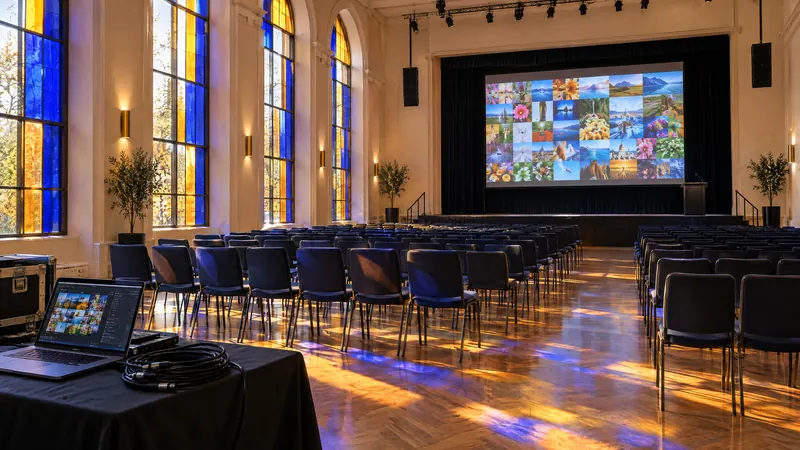
Social walls for events
The plan from four weeks out to the week after, and how to moderate on the day.
Read the guide
Live social walls
Every step between a post and the screen, with the real numbers.
Read the guide
Wedding walls, answered.
No. They post to their own account with your tag, as they would anyway, and the wall collects it. Anything that needs an app download will not get used at a wedding.
Nothing collected from your tag appears until your helper approves it, whatever else is set. That one person with the queue on their phone is worth more than every other precaution.
Open the feed's screen view on a laptop connected to the venue screen and make it fullscreen. It picks up new photos every five minutes without anyone touching it. Bring the charger and turn off the laptop's sleep timer.
The wall needs a connection to pick up new photos, and keeps showing what it has if the connection drops. Test it at the rehearsal rather than an hour before, and keep a phone hotspot as a fallback.
Set it up the week before, then forget about it.
Build and test the wall on the free plan. A second seat for your helper comes with Studio.
Start free